
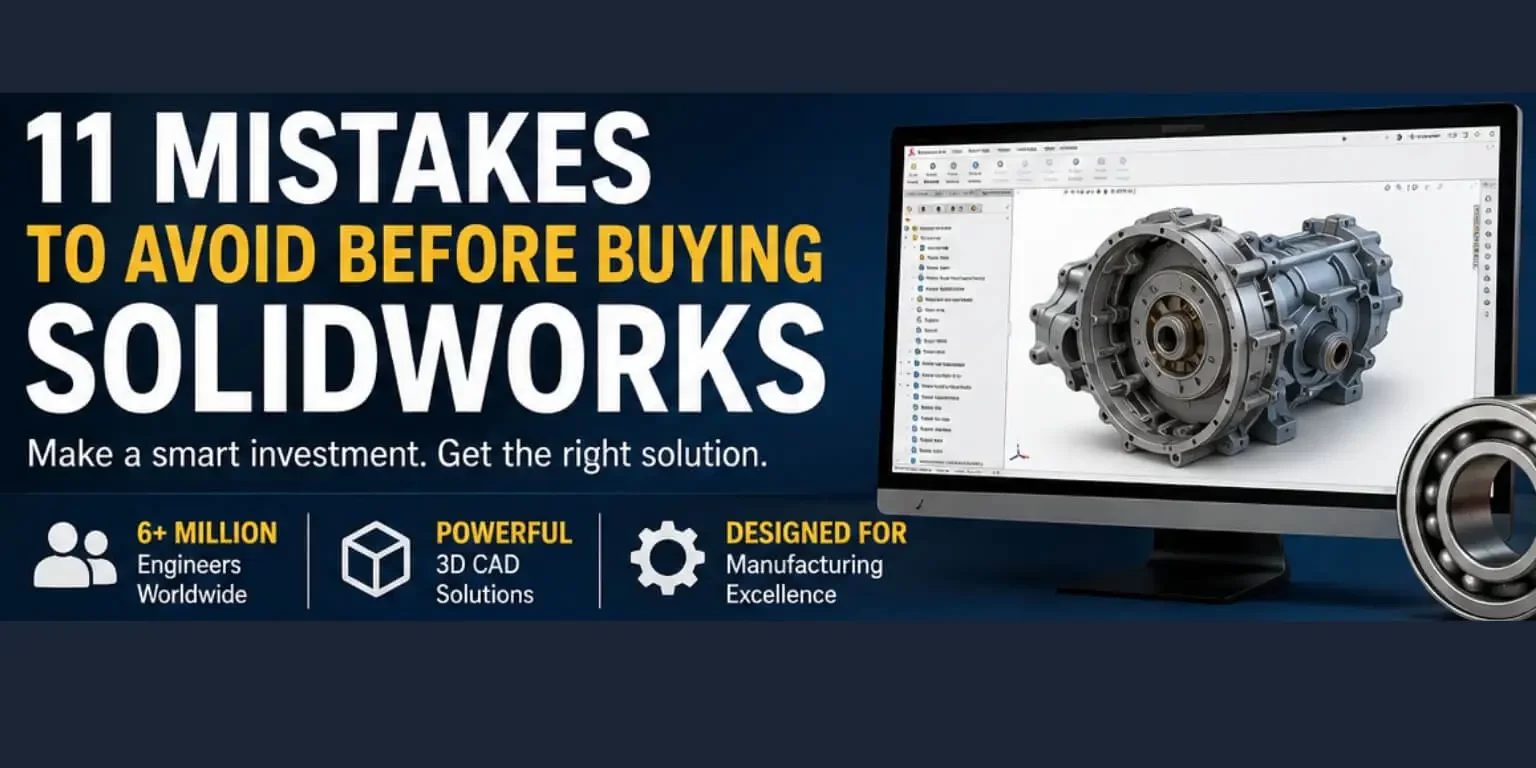
Investing in SOLIDWORKS is one of the most impactful decisions a manufacturing or engineering company can make. However, many companies rush into the purchase without properly planning and end up paying more for something than they need, using it less than they anticipated, or even getting a completely incorrect package.
Whether you are a startup manufacturer from Delhi or a large-scale engineering company from Pune, understanding the “don’ts” is just as important as knowing what to do. In this guide, we dissect the most common pitfalls companies encounter before purchasing SOLIDWORKS so you can make an optimal and cost-effective purchase decision.
Why Getting the SOLIDWORKS Purchase Decision Right Matters
SOLIDWORKS is a professional 3D CAD software that is used by more than 6 million engineers around the world. It is available in several packages Standard, Professional, and Premium along with add-ons for simulation, PDM, and more. Choosing the wrong level or missing important reviewing stages can cost your business lakhs of rupees and months of lost productivity.
Here are the most common mistakes companies make and how to avoid them.
Mistake #1: Not Defining Their Actual Design Needs
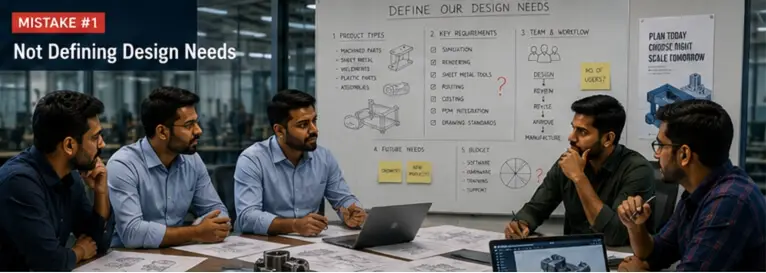
Too many companies purchase SOLIDWORKS without first auditing their own design process, instead buying what a competitor uses or what a salesperson recommends.
Before purchasing, plan ahead and map out:
- What types of parts and assemblies you design
- Whether simulation, rendering, or sheet metal tools are required
- The number of seats (licences) you will actually need
Skipping this step can lead to purchasing a package that is either too basic or far more expensive than necessary.
Mistake #2: Not Understanding the Difference Between SOLIDWORKS Packages
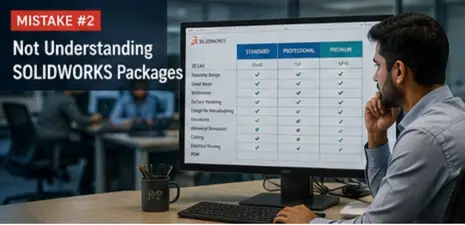
SOLIDWORKS Standard, Professional, and Premium each come with different capabilities. Businesses often choose Standard simply to save money, only to later realise they need features such as costing tools, routing, or advanced simulation capabilities that are available only in higher tiers. Before signing any contract, compare the packages carefully against your workflow requirements.
Mistake #3: Not Evaluating Hardware Compatibility
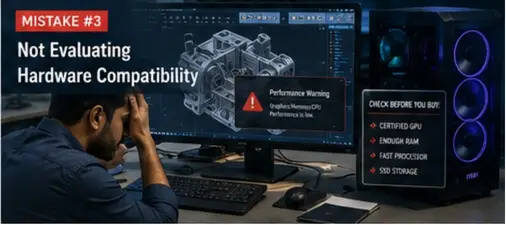
SOLIDWORKS is hardware-intensive. Running it on incompatible or underpowered systems can lead to crashes, slow rendering, and frustrated engineers.
Before buying, check:
- GPU compatibility (SOLIDWORKS recommends certified graphics cards)
- RAM requirements (minimum 16GB recommended, 32GB for complex assemblies)
- Processor speed and SSD storage
One of the biggest mistakes companies make is failing to budget for hardware upgrades alongside the software purchase.
Mistake #4: Overlooking Training Costs
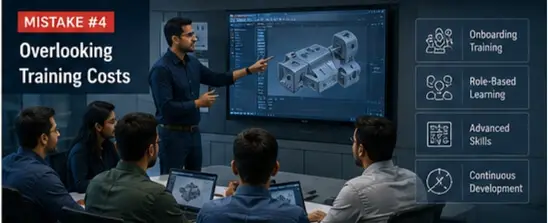
The SOLIDWORKS licence is only one part of the total cost of ownership. Many businesses fail to allocate budget for training. An untrained team may only utilise 20–30% of the software’s capabilities, meaning most of the investment goes unused. Consider onboarding training, role-specific learning, and continuous skill development from day one.
Mistake #5: Not Involving the End Users in the Decision

Management often makes purchasing decisions without involving the engineers who will actually use SOLIDWORKS every day. This creates a mismatch between what is purchased and what is truly needed. Make sure your design engineers are included during the evaluation process.
Mistake #6: Skipping the Free Trial or Demo
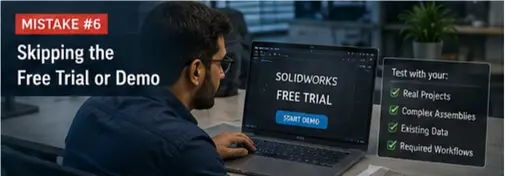
SOLIDWORKS provides free trials and online demos. Companies that skip this stage often discover usability or compatibility issues only after the purchase has been completed. Request a demo tailored to your actual use case instead of relying on a generic product presentation.
Mistake #7: Choosing an Inexperienced Reseller
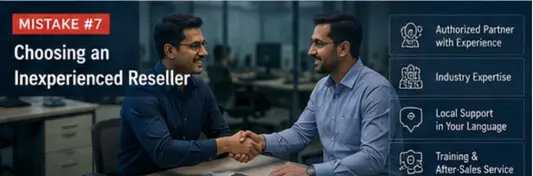
In India, SOLIDWORKS is sold through Value-Added Resellers (VARs). However, not all resellers provide the same quality of support, training, or after-sales service.
Look for authorised resellers with:
- Proven implementation experience in your industry
- Dedicated technical support teams
- Training available in Tamil, Hindi, or English based on your team’s needs
Mistake #8: Not Considering Subscription vs. Perpetual Licence Models
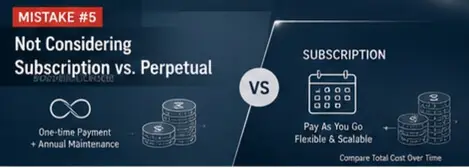
SOLIDWORKS is now available through both perpetual licences (one-time purchase plus annual maintenance) and subscription-based models. Many companies assume perpetual licences are always cheaper without performing a proper multi-year cost comparison. Depending on your growth plans, a subscription model may offer greater flexibility.
Mistake #9: Ignoring Data Management Needs
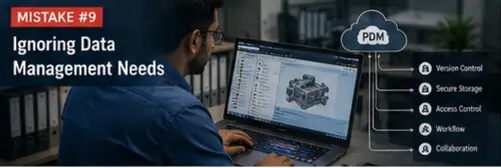
As teams grow, managing design files becomes increasingly complex. Companies that delay planning for SOLIDWORKS PDM often face significant rework costs later on. If your company has more than two designers, PDM should be part of your initial purchase discussion.
Mistake #10: Not Checking Integration With Existing Software
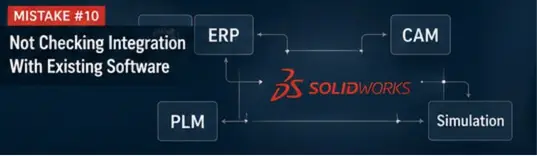
Does your company already use ERP, CAM, or simulation tools? While SOLIDWORKS integrates with many platforms, not every system is fully compatible. Verify compatibility with your current software stack before purchasing to avoid expensive custom integrations later.
Mistake #11: Focusing Only on the Upfront Price

The sticker price of SOLIDWORKS represents only a small portion of the overall investment. You also need to account for hardware, training, support, add-ons, and the time required for your team to become productive. A cheaper purchase with poor adoption ultimately becomes far more expensive than a slightly higher investment that is properly planned and implemented.
Make Your SOLIDWORKS Investment Count
Buying SOLIDWORKS is not just a software purchase it is a strategic business decision. By avoiding these 11 common mistakes, your company can achieve faster ROI, stronger team adoption, and long-term competitive advantage.
Speak with an authorised SOLIDWORKS reseller in India to schedule a personalised demo and receive a package recommendation tailored to your manufacturing requirements.
🚀 Ready to Experience 3DEXPERIENCE in Action?
See how cloud-powered SOLIDWORKS can transform your design workflow, improve collaboration, and eliminate version chaos — all in one connected platform.
- ✔ Personalized demo based on your workflow
- ✔ Expert guidance on SOLIDWORKS + 3DEXPERIENCE setup
- ✔ Clear pricing & ROI insights for your team
No commitment. Get clarity before you invest.